
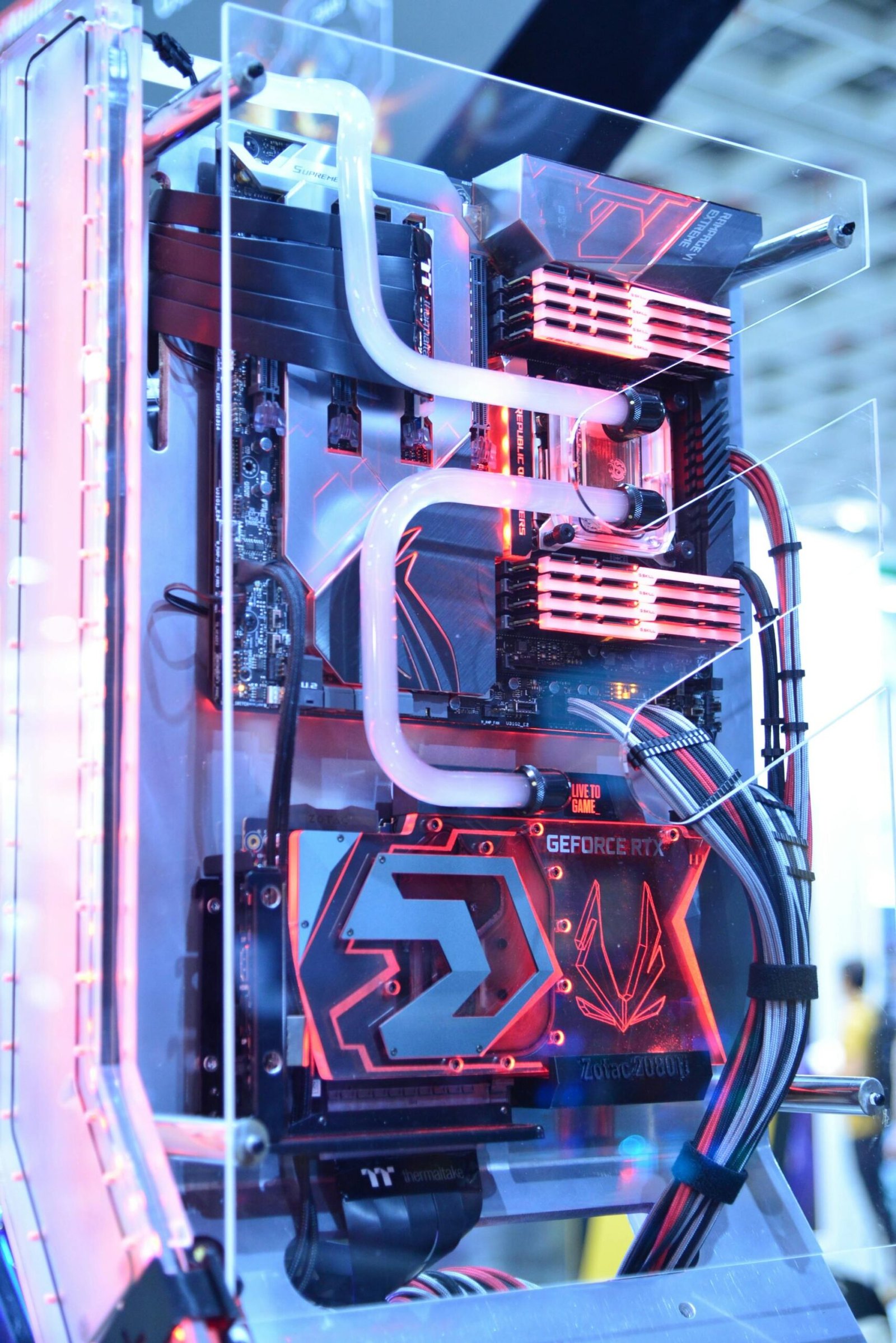
The CPU indicator stands for “Central Processing Unit,” which is the central processing unit in computers. It performs the computational tasks in computers and consists of a chip made of silicon, which is connected and encased in the motherboard in a specific way to receive data and information from other computer components. It processes these and then sends the results to other parts for storage or output. The CPU is considered the brain of the computer, but it does not “think”; rather, it applies the instructions and inputs present in the program, as well as all the operations it processes directly or indirectly. Any computer device can have more than one processor, and these processors continue to evolve in speed. When someone wants to buy a computer, the first thing they ask about is the processor speed, and there is a difference between one processor and another.
Computer processors:
- Slow processor: It performs the same tasks as a fast processor, but the difference is that the fast processor is quicker at outputting information.
- Processor reliability: A slow processor may make the computer unstable. A fast processor, on the other hand, can handle most programs, while a slow processor might not be able to do so.
- Processor power: Some processors consume a lot of power, which causes heat-related problems that, in turn, affect stability and performance.
Main components of the processor:
- Input/Output Unit: This unit manages the flow of information to and from the processor. It requests and coordinates data with the random-access memory (RAM) for data transfer, and it is part of the CPU. It contains Level 1 cache memory.
- Control Unit: It controls the flow of data within the processor, coordinates different parts of the processor to perform tasks, and ensures there are no errors in the coordination between the different parts. Therefore, it is considered the “brain” of the processor.
- Floating Point Unit: This part of the processor is specialized in calculations involving floating-point numbers. It also plays a role in speeding up programs that rely on decimal numbers, such as 3D games and graphical designs.
- Cache Memory: This is a small, high-speed memory similar to RAM but faster and smaller. It is placed on the system bus between RAM and the processor. While the processor frequently reads and writes instructions and data from and to RAM, cache memory is used to handle the data more efficiently. The issue with RAM is that it is slower compared to the processor, so cache memory was designed to increase speed.